
With Events Widget Pro, you can easily showcase your events in Elementor pages using a simple widget. This allows you to design and place event listings anywhere on your site without touching code.
Follow the steps below to display events in elementor:
- Go to Pages/Posts > Add New.
- Click the Edit with Elementor button.
- From the widgets section, search “events”.
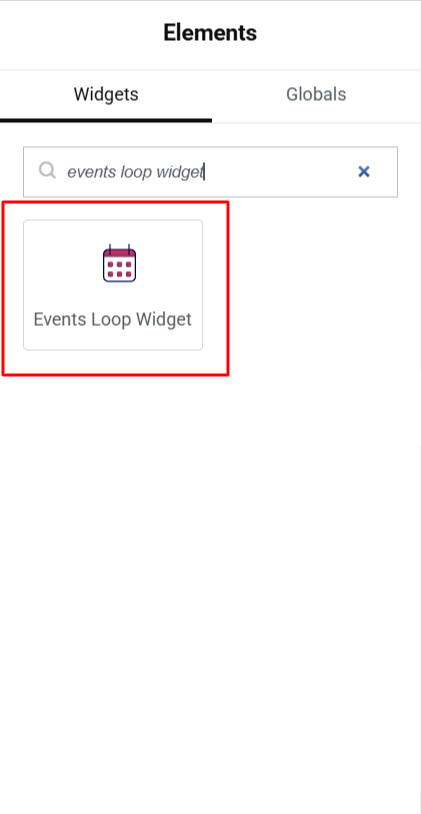
- You will see the Events Loop Widget.
- Drag and drop the Events Loop Widget into your page.
- This will display event layouts based on the Event Loop Item settings.